
Solo day hike
“I’ll check in by 5:30 PM, with two hours of grace. My note lists the route, turnaround point, and where I parked.”
For the trip. And the person waiting at home.
Choose a return time and someone you trust. BackBy gives them a clear next step if you miss your check-in, with your trip details ready when they need them.
You choose when you expect to check in.
Your Backer agrees what to do if you don’t.
Everyday examples
“I’ll check in by 5:30 PM, with two hours of grace. My note lists the route, turnaround point, and where I parked.”
“Back by 3:00 PM. My note lists our route, partners, and return options. We’ve agreed who to contact if we’re overdue.”
“Check-in is Sunday at 6:00 PM. A 24-hour grace period means a missed check-in needs attention after Monday at 6:00 PM. The note lists our route and shuttle contact.”
The experience
A trip plan should be easy to leave and easy to follow. BackBy connects the time you expect to return with the person you trust to act.
Set your check-in for when you expect to have internet access again. A Plan can span several days. Grace adds extra time before a missed check-in needs attention; a longer grace period also delays that signal.
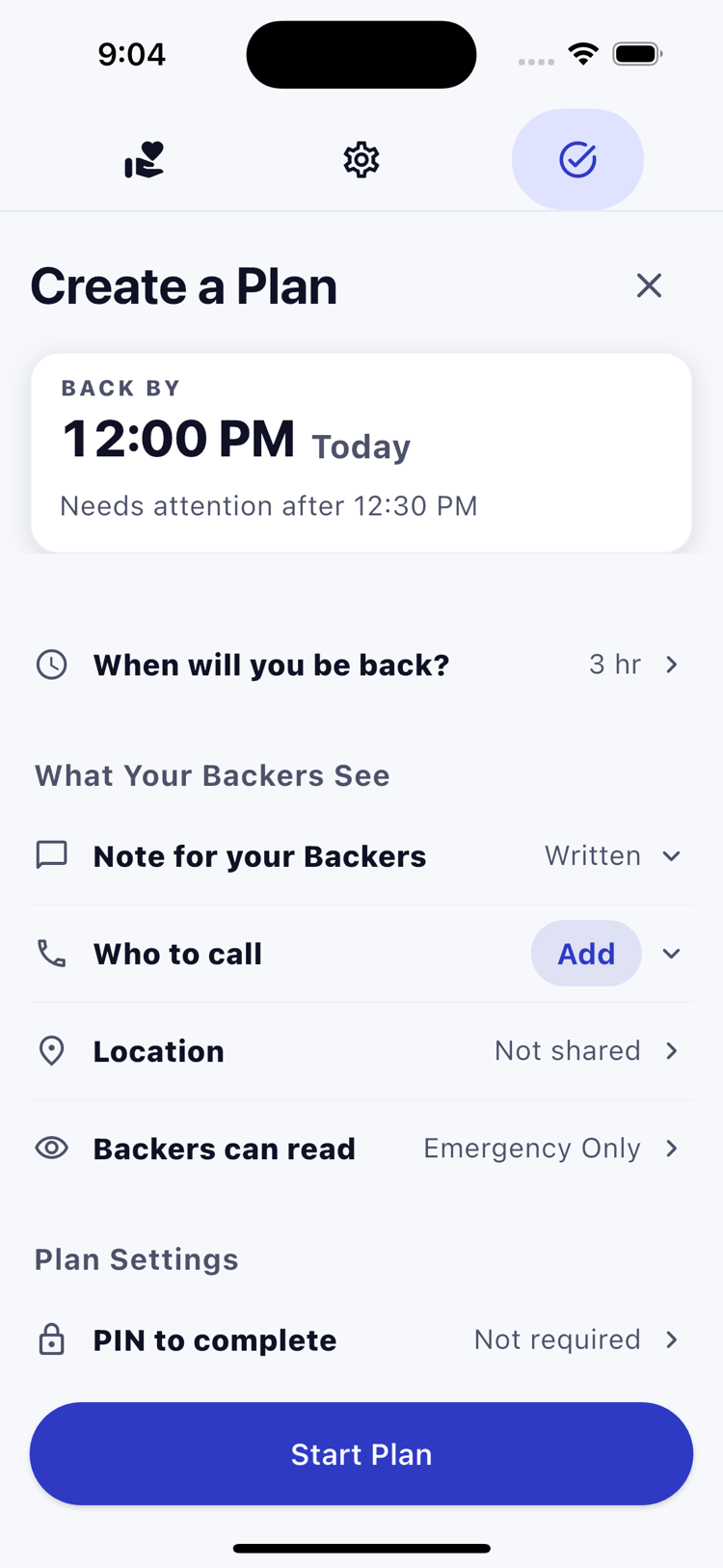
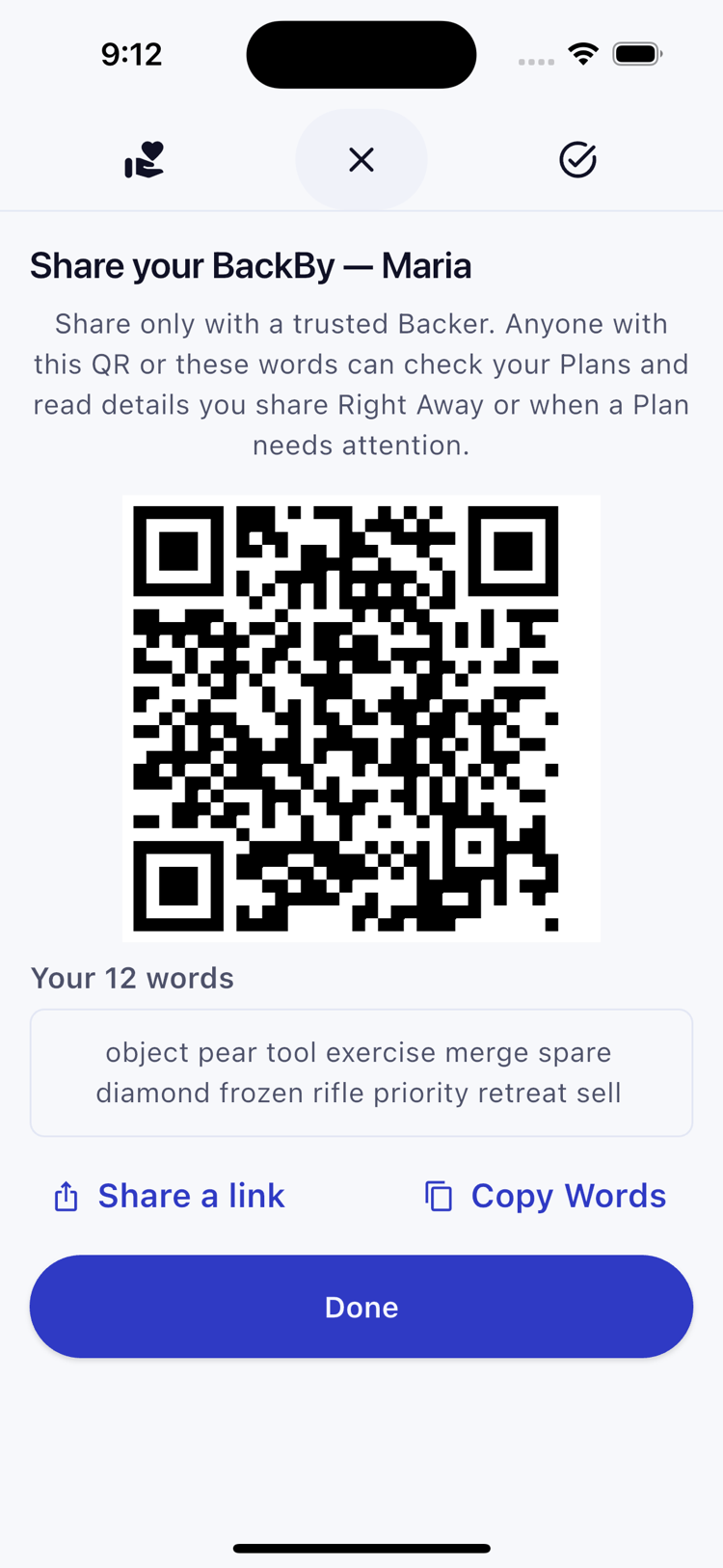
Choose someone who can check the app and respond. Pair privately, then leave a note with your route, return options, companions, and who to contact.
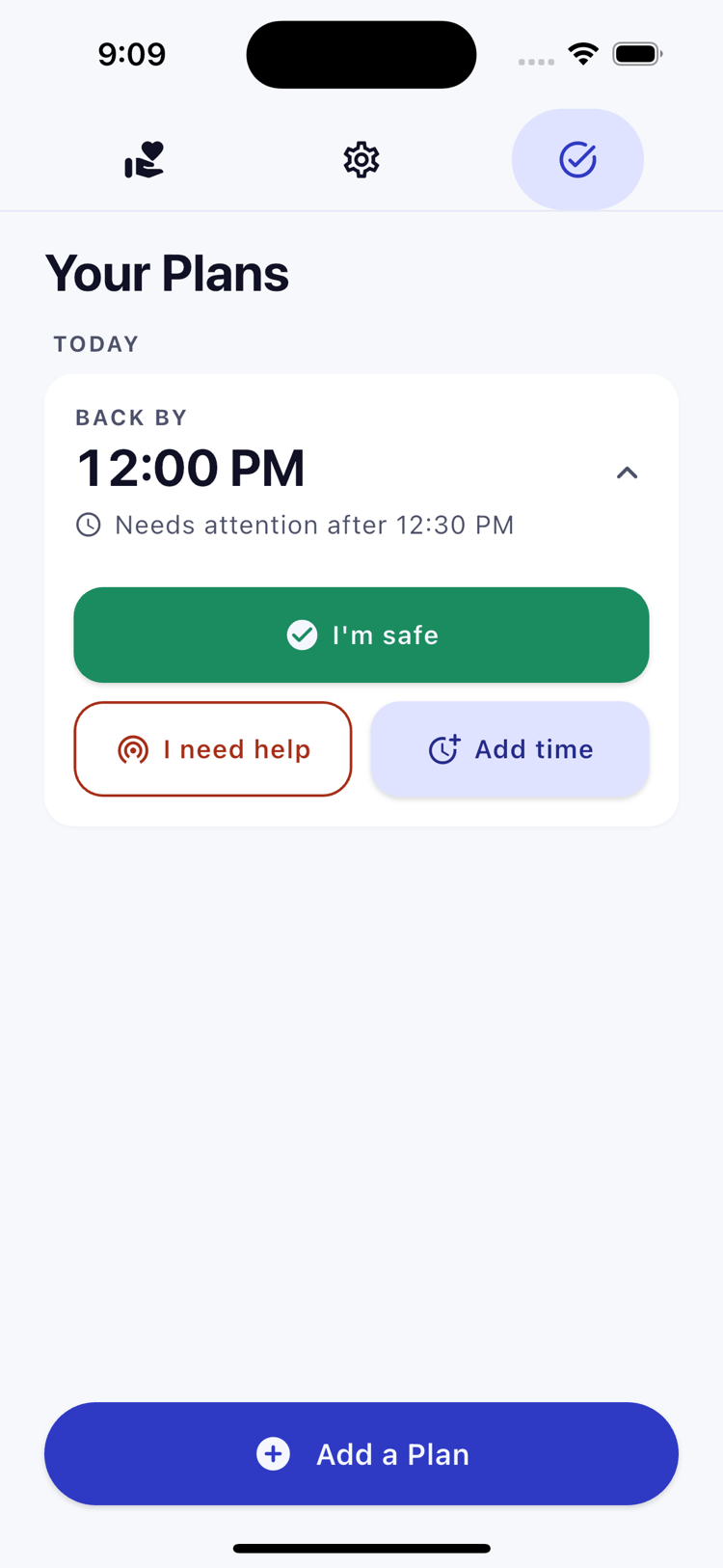
With a connection, press I’m safe or use Add time before the cutoff. An offline action stays pending until the server confirms it. A tap alone does not complete or extend the Plan.
A missed check-in
For a 5:30 PM check-in with two hours of grace, a missed check-in needs attention after 7:30 PM. The Backer’s app checks for updates and shows the next step.
Heading out or staying in touch
Choose a check-in time, leave a note, and agree the next steps with your Backer. The plan stays in your hands.
Your app checks for updates and shows when a Plan needs attention. Read the note, try to make contact, and follow the steps you agreed. BackBy leaves the response with the people who know each other.
Privacy by design
BackBy is designed around a simple principle: the server should know as little as possible about the people using it.
Read what BackBy can and cannot protectHow note privacy is designed to work
A clear role
Common questions
Once the server confirms the Plan, the traveler’s phone can go offline. Checking in or adding time needs a connection and confirmation. The Backer needs internet access to fetch updates; notifications depend on phone settings and background checks.
No. BackBy does not track your movements. You can choose to add a fixed map pin. Maps are off by default; loading one can share your IP address and the viewed area with the map provider.
No. Backer apps check for updates and may notify locally, subject to phone settings and connection. Backers decide how to respond using the Plan and the note.
A Plan can span several days, with up to 24 hours of grace. Choose a check-in time when you expect to have a connection. More grace means more time before a missed check-in needs attention.
No. BackBy cannot send a distress signal from a place without a connection. It supports the trip plan you agree with a Backer, not to replace field communication or rescue equipment.
Include your route, turnaround or return options, vehicle location, companions, and agreed contact steps. Keep it short enough for your Backer to use.
People already leave plans with partners and friends. BackBy gives that familiar habit a clear time, a private note, and a next step the Backer can follow.
Before your next trip
Get BackBy, choose a Backer, and agree when you’ll check in. Have a question? Send us an email.